How to Optimize Your Google Business Profile: A St. Louis Guide
Revised August 29, 2026
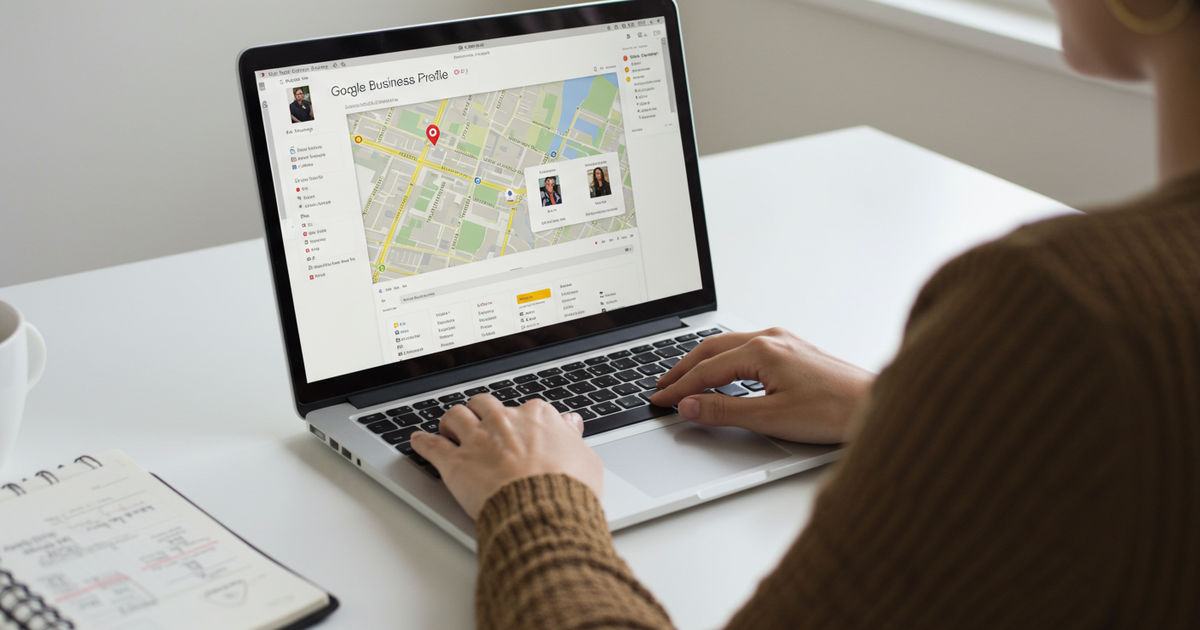
How do you optimize a Google Business Profile?
Optimizing your Google Business Profile means completing and fine-tuning every part of your listing — primary category, services, photos, reviews, and posts — so Google trusts it and customers choose it. For St. Louis businesses it’s the highest-return hour of local marketing, and your primary category is the single biggest ranking lever you control.
Keep reading ↓For a St. Louis small business, your Google Business Profile is the closest thing there is to a free storefront on the busiest street in town. It’s what shows up when someone nearby searches for what you offer — the map, the reviews, the hours, the “call” and “directions” buttons — and for most local businesses it drives more customers than the website ever will. Yet the majority of profiles sit half-finished, quietly losing business to competitors who took an afternoon to fill theirs out.
The good news is that optimizing your Google Business Profile is free, it doesn’t require any technical skill, and a complete profile routinely out-performs a bigger competitor’s neglected one. This is a practical, step-by-step guide to doing it right in 2026 — from claiming and verifying to the specific sections that move the needle, plus the common mistakes that hold St. Louis businesses back.
How Do You Optimize a Google Business Profile?
Optimizing your Google Business Profile means claiming it, filling in every section completely and accurately, and keeping it active — so that Google trusts your information and shows you to nearby customers. Google ranks local results on three factors: relevance (how well you match the search), distance (how close you are), and prominence (how established and trusted you appear). You can’t change your distance, but you directly control relevance and prominence, and a well-optimized profile is how you do it. The whole job comes down to a handful of steps done thoroughly, then maintained.
Here’s the sequence that works: claim and verify your profile, complete every field, load up quality photos, build and respond to reviews, post regularly, and keep it all current. Let’s walk through each.
Step 1: Claim and Verify Your Profile
You can’t optimize what you don’t control. Search for your business on Google — if a profile already exists (Google often auto-creates them), click to claim it; if not, create one, though it’s worth first ruling out the other reasons a business doesn’t turn up in a Google search so you don’t create a duplicate of a listing that already exists. Then verify ownership, usually by phone, email, or a postcard code. Verification is non-negotiable: it’s what unlocks editing and tells Google you’re the legitimate owner. Until you’re verified, you’re at the mercy of whatever incomplete information Google guessed. This first step trips up more businesses than any other, so if you do nothing else today, claim and verify your profile.
Step 2: Complete Every Single Section
This is where most of the optimization happens, and where most businesses quit early. Fill in everything: your exact business name (as it really appears, no keyword stuffing), address, phone, and website; your primary category (the most important single choice — pick the most specific one that fits) plus relevant secondary categories; your full list of services or products with descriptions; your hours, including special and holiday hours; a keyword-natural business description; and the attributes that apply (wheelchair accessible, women-owned, free Wi-Fi, outdoor seating, and so on). Every field you complete gives Google more to match you against and more reason to trust you. A profile that’s 100% complete simply gets shown more than one that’s 60% done — and completing it is entirely free.
Step 3: Add Real, Quality Photos
Profiles with photos get significantly more clicks, calls, and direction requests than those without — people want to see what they’re walking into. Add a clear logo and cover photo, then real images of your storefront, your interior, your team, and your actual products or work. Authentic photos beat stock every time, because they build trust and set accurate expectations. Refresh them periodically; a profile with recent photos signals an active, open business. This is one of the highest-return, lowest-effort moves available — a handful of good photos taken on your phone can measurably lift how many people choose you.
Step 4: Build and Respond to Reviews
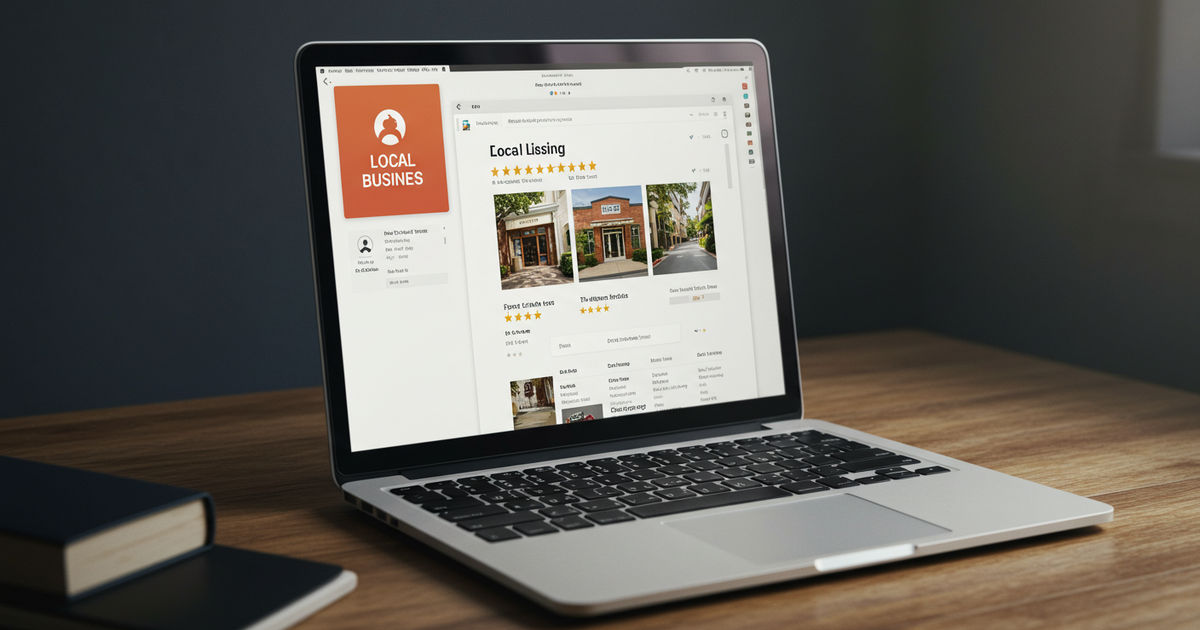
Reviews are one of the strongest prominence signals Google uses, and they’re the deciding factor for many customers choosing between you and the next option. Make asking a routine part of the job — a friendly request after a good interaction, with a direct link — and aim for a steady trickle of recent reviews rather than a one-time push. Just as important: respond to every review, positive and negative. A warm thank-you to a happy customer and a calm, professional reply to a critical one both show prospective customers (and Google) that you’re engaged and care. For the full playbook, see our guide to responding to Google reviews.
Step 5: Post Regularly
Google Business Profile posts — short updates, offers, and events that appear on your profile — keep it active and give searching customers one more reason to choose you. They don’t transform your ranking on their own, but the activity signals a live, engaged business, and a timely offer can be the nudge that turns a browser into a customer. Aim for a post or two a week. If you’re not sure what to share, our guide to Google Business Profile posts has ideas and a simple approach.
Use the Q&A and Messaging Features
Two underused features quietly win customers. The Questions & Answers section on your profile lets anyone ask a question — and anyone can answer, which means if you don’t, you risk a wrong or unhelpful reply representing your business. Get ahead of it: seed the common questions yourself with accurate answers, and monitor for new ones. The messaging feature lets customers text you directly from your profile; if you turn it on, commit to responding quickly, because a fast reply often wins the job while a slow one loses it. Both features signal to Google that you’re responsive and engaged, and both remove friction for a customer who’s ready to reach out but has one quick question first.
Random, but: where to eat in Des Peres is one tab away.
Optimize for St. Louis Specifically
Generic optimization gets you partway; local specificity gets you the rest. Make sure your profile reflects the actual St. Louis-area communities you serve. If you have a storefront, your address and map pin do the work; if you’re a service-area business (a plumber, a cleaner, a contractor), set your service areas to the specific towns and neighborhoods you cover — Kirkwood, Florissant, St. Charles, the Metro East, wherever you actually go. Work your real service area and neighborhood names naturally into your description and posts, and gather reviews from customers across those areas. In a spread-out metro like St. Louis, a business optimized for the specific communities it serves shows up for far more “near me” searches than one that only says “St. Louis.” For the bigger picture, see the complete GBP management guide.
How Long Until Optimization Shows Results?
Some of it is nearly immediate and some compounds. Completing your profile and adding photos can start improving how often you appear within days to a couple of weeks, because Google simply has more to work with and more reason to trust you. The prominence-building pieces — a steady flow of reviews, consistent activity, and consistent listings elsewhere — build over weeks and months into durable ranking. The mistake is treating optimization as a one-time task and expecting instant top placement; the reality is a quick initial lift from completeness, then steady gains from consistency. Keep at it, and your profile climbs and holds rather than spiking and fading.
What Are Common Google Business Profile Mistakes?
Avoiding a few common errors puts you ahead of most local competitors. The big ones: never claiming or verifying the profile in the first place; keyword-stuffing the business name (a Google guidelines violation that can get you suspended — use your real name only); inconsistent name, address, and phone across the web, which erodes trust; choosing the wrong or too-broad primary category; letting hours go stale, especially around holidays, which frustrates customers and hurts you; ignoring reviews entirely; and setting it and forgetting it — a profile that never changes looks dormant. Most of these are quick fixes, and correcting even one or two can lift your visibility. If your profile has been suspended, don’t panic — see our guide to GBP suspension and reinstatement.
Keep It Active — Optimization Is Ongoing
A Google Business Profile isn’t a set-it-and-forget-it task; it’s a living asset that rewards attention. Update your hours the day anything changes, add fresh photos now and then, keep asking for and responding to reviews, post regularly, and answer the questions customers submit through the Q&A. Check your profile’s free performance insights to see how people are finding and contacting you, and do a quick monthly audit to catch anything outdated. This ongoing upkeep is exactly the part that slips when you’re busy running a business — and exactly the part that separates the profiles quietly winning customers from the ones sitting idle. A few minutes of attention a week is all it takes to stay on the winning side of that line.
Your Google Business Profile works best as part of a complete, consistent local presence. A listing on the St Louis Near Me Directory reinforces the same information Google and AI assistants use to trust and rank you — a consistent citation that makes your whole online presence stronger.
Make your profile work harder. Listing your business adds the kind of consistent local signal that lifts you in both Google and AI search across the metro.
More Google Business Profile Guides
- The complete Google Business Profile management guide
- How to add your business to Google Maps
- How to respond to Google reviews
Frequently Asked Questions
What are common Google Business Profile mistakes?
The most common: never verifying the profile, keyword-stuffing the business name (a violation that risks suspension), inconsistent name/address/phone across the web, choosing the wrong or too-broad category, letting hours go stale (especially holidays), ignoring reviews, and never updating it. Most are quick fixes — correcting even one or two can measurably improve your local visibility.
Does the Google Business Profile description affect ranking?
The description itself is a minor direct ranking factor, but it matters for conversion — it’s a chance to tell searchers who you are and why to choose you. Write it naturally, work in relevant terms and your service area without stuffing, and focus on being clear and compelling. Your category choice, reviews, and completeness move ranking far more than the description text does.
How many photos should I add to my Google Business Profile?
More than you think, and keep adding over time. Start with a logo, a cover photo, and a solid set of real images — storefront, interior, team, and actual products or work — then refresh periodically. Profiles with quality photos get more clicks, calls, and direction requests, and recent photos signal an active business. Authentic phone photos beat stock every time.
How often should I update my Google Business Profile?
Update hours the moment anything changes, post an update or two a week, add fresh photos now and then, and respond to reviews as they come in. Do a quick monthly audit to catch anything outdated. A profile that’s regularly maintained outperforms one that’s set and forgotten, because the activity itself signals to Google a live, engaged, open business.
Is optimizing a Google Business Profile really free?
Yes — creating, verifying, and fully optimizing a Google Business Profile costs nothing, and it’s the single highest-return free marketing asset a local business has. The only investment is a little time up front and ongoing upkeep. Pairing it with consistent listings elsewhere (like a strong local directory) strengthens the whole picture and reinforces the same data Google trusts, but the profile itself is completely free to claim, verify, and optimize.
How to fully optimize your Google Business Profile?
Fill every field, then keep it moving. Category, hours, service area, attributes, products and services all count toward completeness, and a profile that is 100% complete gets shown more than one sitting at 60%. After that it is photos, posts and review replies on a regular cadence rather than a one-time setup.
How can I improve my Google Business Profile?
Start with whatever you have neglected longest. For most owners that is review replies, then photos with recent dates, then the services list nobody ever filled in. Improvement comes from consistency rather than one overhaul — an actively maintained profile reads differently to Google than a finished one.
How can I optimize my Google My Business page?
Same product, older name. Google My Business became Google Business Profile, and it is now managed straight from Search and Maps instead of a separate dashboard. If a tool or an agency still calls it GMB, that tells you roughly how current the rest of their playbook is.

Written by a dedicated team of St. Louis locals who live, work, and play right here in the St. Louis metro. Founder Lane Forman and team are committed to building the region’s most trusted directory by verifying listings and connecting local businesses with loyal customers across Missouri and Illinois.